.webp)
.webp)
.webp)
.webp)

Download photopea APK – advanced photo editor, mobile image editing tool, PSD, AI, XD, sketch, PDF, XCF, RAW, SVG, ICO, WebP, EMF, DXF, BMP, GIF, JPEG, PNG, SCT, TGA, TIFF
Overview
photopea APK is a mobile application designed for advanced image editing, offering a compact yet powerful solution for graphic designers and digital artists who need to work on the go. Developed by MerDroid, the software functions as a portable alternative to desktop-grade tools like Adobe Photoshop, enabling users to edit, create, and manipulate images across multiple formats directly from their mobile devices. Its primary purpose is to bridge the gap between professional-grade editing capabilities and mobile accessibility, supporting a broad range of file types including PSD, AI, XD, sketch, PDF, XCF, RAW, and more.
The app is particularly suited for professionals and advanced users who require consistent access to layered workflows, high-fidelity image manipulation, and template-based project creation. Real-world usage scenarios include on-the-go design adjustments for social media content, print materials, and digital artwork. The ability to import files from local storage and cloud platforms like PeaDrive, Dropbox, OneDrive, and Google Drive enhances its utility in collaborative or remote workflows. Despite being a mobile application, photopea delivers a feature-rich environment that mimics the interface and functionality of industry-standard software, making it a compelling option for creatives seeking flexibility without sacrificing depth.
Key Features & Capabilities
- Multi-Format Support: The app supports an extensive list of image formats including PSD, AI, XD, sketch, PDF, XCF, RAW, SVG, ICO, WebP, EMF, DXF, BMP, GIF, JPEG, PNG, SCT, TGA, and TIFF, enabling seamless workflow across different design ecosystems.
- Layer-Based Editing: Full layer management allows users to work with multiple layers, adjust opacity, blend modes, and apply masks—essential tools for complex image compositions.
- Advanced Tools: Includes a suite of editing tools such as crop, brush, content-aware move, selection tools, and transform functions, providing precise control over image elements.
- Template Library: Offers hundreds of PSD templates across categories like social media, print design, and branding, which users can clone or customize to accelerate project creation.
- Cloud Integration: Supports direct import from PeaDrive, Dropbox, OneDrive, and Google Drive, facilitating access to files stored remotely and streamlining collaboration.
- High-Color Depth Support: Recent updates enable 16-bit and 32-bit color depth, allowing for over 281 trillion color variations and support for high-precision image formats like 16-bit PNG and TIFF.
These capabilities allow users to perform complex edits, convert RAW files into 16-bit documents, and maintain color accuracy across devices. The inclusion of professional-grade tools in a mobile format makes it ideal for designers who need to refine projects during travel or remote work sessions.
User Interface, Workflow & Performance
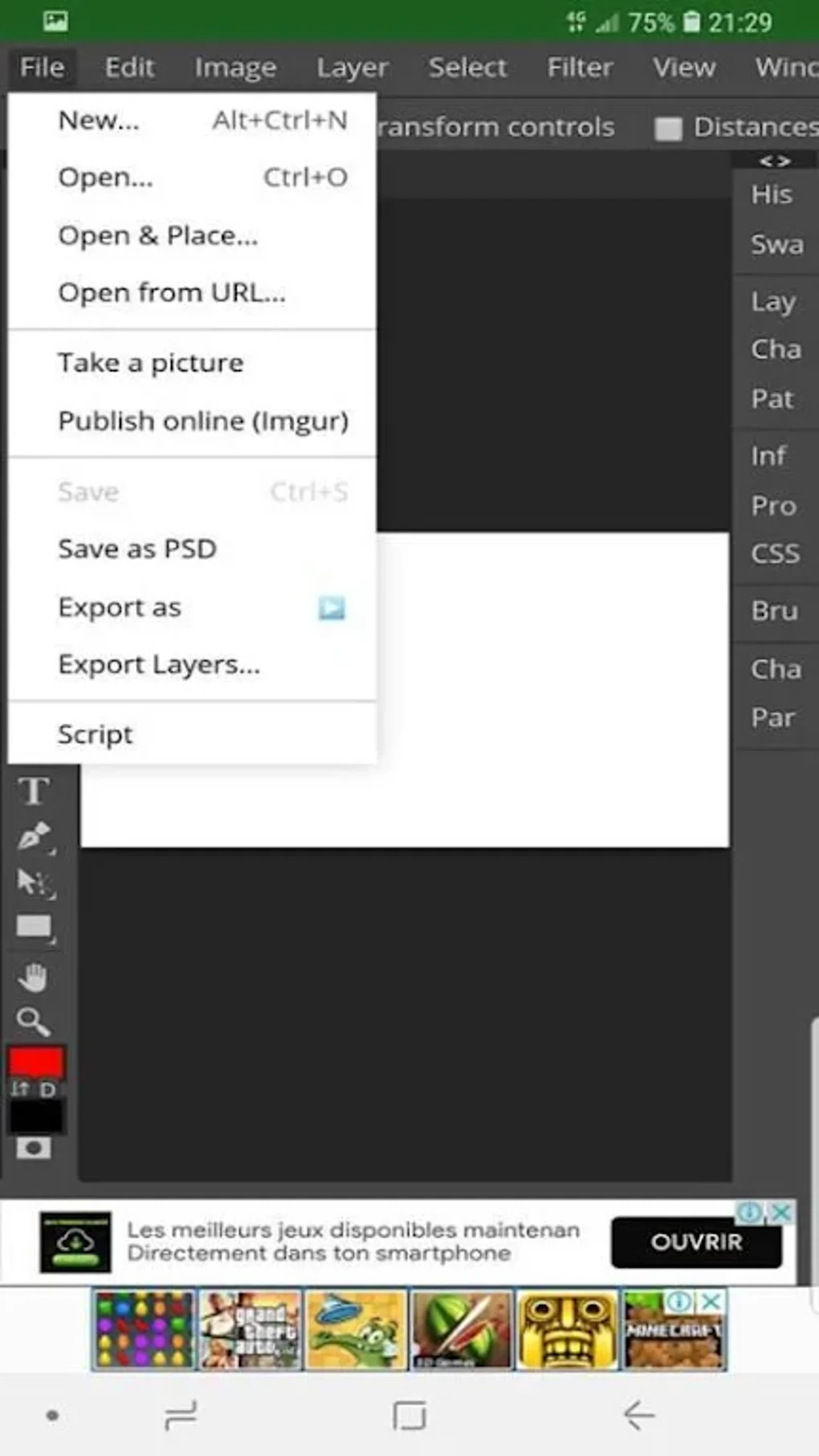
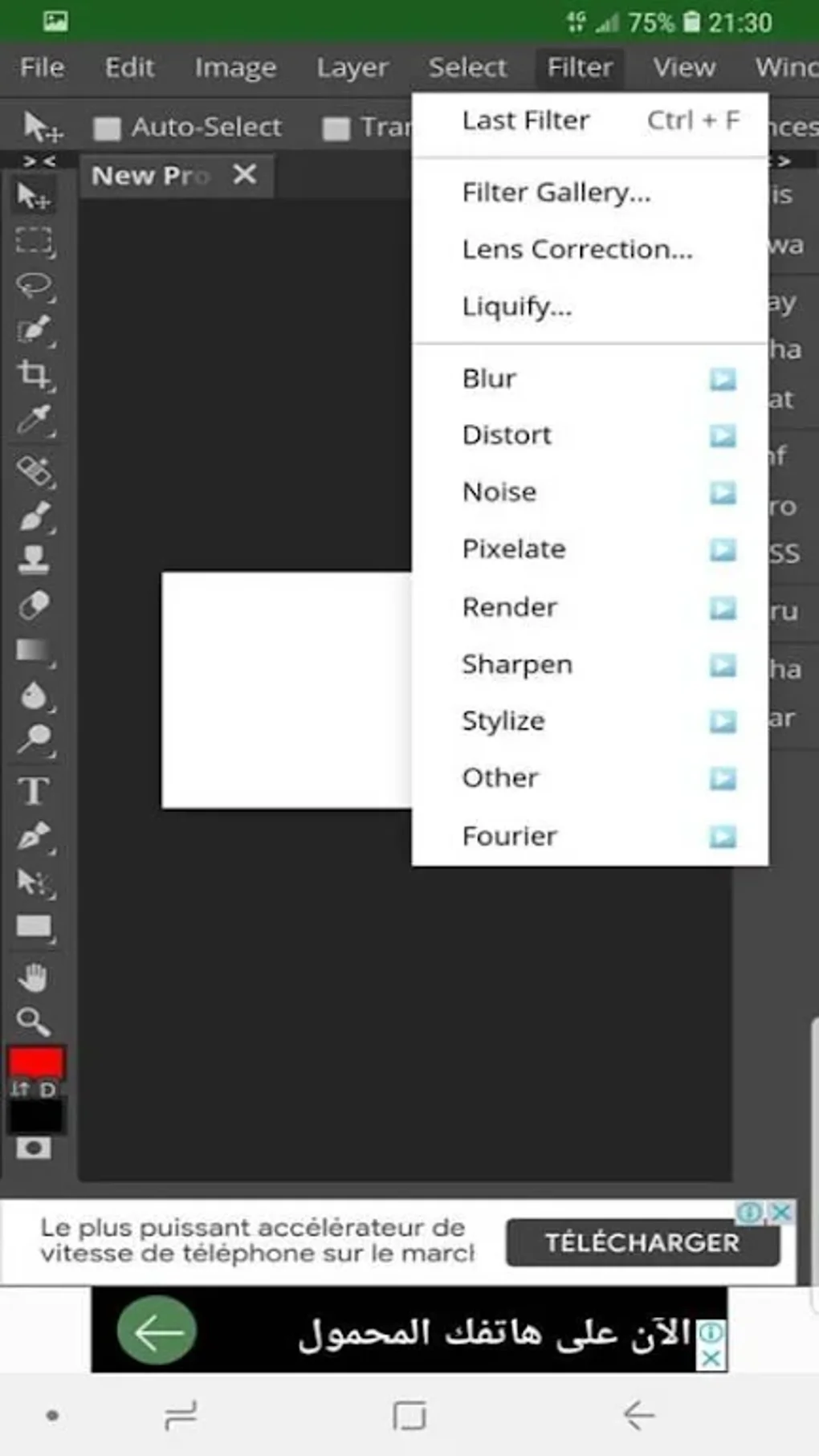
The user interface of photopea APK is modeled after Adobe Photoshop, providing a familiar environment for users accustomed to desktop design software. This design choice enhances workflow efficiency for experienced users but may present a steep learning curve for beginners due to its dense layout and non-intuitive navigation in mobile form. The main screen allows users to create new projects, open files from local storage, or select from a library of PSD templates.
Navigation is structured around tool panels, layer lists, and file menus, all accessible via touch gestures. While the interface is functional, performance can be inconsistent, particularly when handling large or high-resolution files. The developer did not specify resource usage details, and performance observations are based on general software behavior patterns. Some users may experience lag or delays during complex operations, which could affect productivity. Stability appears to be maintained during regular use, though prolonged editing sessions may lead to increased memory consumption.
Compatibility & System Requirements
photopea APK is designed for mobile platforms, though the specific operating systems and version details were not provided. The installation size is also not specified. The developer did not list exact system requirements, so users are advised to ensure their device meets general mobile application standards for performance and storage. Platform compatibility information is limited, and users should verify device support before installation.
Given the app’s reliance on cloud storage integration and high-resolution image processing, devices with sufficient RAM and storage capacity are recommended. However, exact hardware requirements were not disclosed. Compatibility with specific Android versions or device models was not detailed in the available information.
Pros and Cons
Pros
- Extensive support for professional image formats including PSD, AI, XD, sketch, PDF, RAW, and more.
- Access to hundreds of PSD templates for quick project initiation.
- Cloud integration with PeaDrive, Dropbox, OneDrive, and Google Drive.
- Advanced features like layers, content-aware move, and high-color depth (16-bit/32-bit).
- Free-to-use with no cost barrier for accessing core functionality.
Cons
- Steep learning curve due to Photoshop-like interface, challenging for beginners.
- Performance can be slow, especially with large or complex files.
- Limited 3D editing tools compared to other mobile image editors.
- Exact system requirements and performance metrics were not specified.
- Interface may feel cramped on smaller mobile screens.
FAQ Section
Is photopea APK compatible with my mobile device?
Compatibility depends on your device’s operating system and hardware. The developer did not specify supported platforms or versions. Users should check their device’s ability to run APK files and ensure sufficient storage and memory.
Is the app safe to download and use?
As a free mobile application developed by MerDroid, photopea APK is designed for personal and professional use. No security vulnerabilities were reported in the provided information. However, users should download APKs only from trusted sources to avoid potential risks.
Does the app require an internet connection?
While the app supports cloud-based file access, it can function offline after initial file import. However, features like cloud integration and template downloads require an active internet connection.
How often are updates released?
Recent updates have introduced 16-bit and 32-bit color depth support, indicating active development. However, the frequency of updates was not specified.
Can I use photopea APK without a license?
Yes, the app is free to use with no licensing fees. All core features are accessible without purchase or subscription.
Final Thoughts
photopea APK stands out as a powerful mobile alternative for users seeking professional-grade image editing capabilities on the go. Its comprehensive format support, robust toolset, and cloud integration make it a valuable asset for graphic designers and digital artists who need flexibility and precision. While the interface may be overwhelming for newcomers and performance can lag under heavy loads, the app delivers a strong balance of functionality and accessibility.
For advanced users and professionals who rely on layered editing, high-color depth, and template-based workflows, photopea APK offers a compelling solution. It’s particularly useful for those already familiar with Photoshop’s workflow or who need to maintain consistency across desktop and mobile environments.
Download photopea APK now




.png)


